Add tracking for Google Analytics
Last updated 8 months ago
Go to “Event Name” > Integrations > Manage
Add Integration
Choose Google Analytics
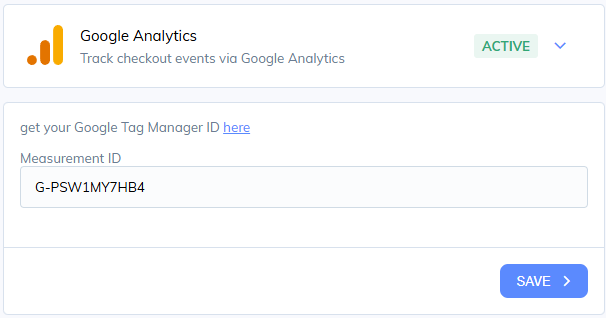
Click Google Analytics again to open the settings
Provide your Measurement ID from Google Analytics
Click Save and you’ll be tracking checkout/purchase events
Was this helpful?
Still need help? Share an idea