Create an event
Create an event, setup your date / time, ticket types, fees and Stripe account.
Last updated 8 months ago
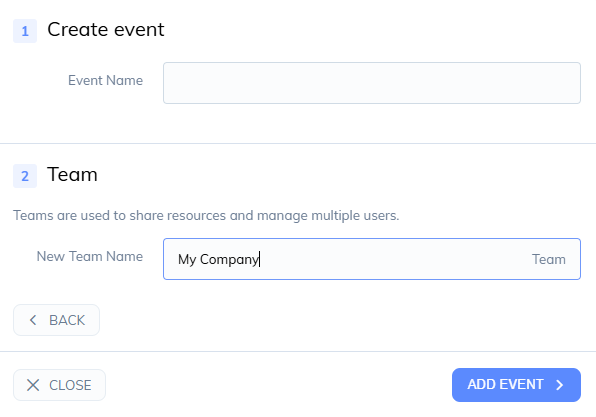
Click create event then new event
Choose an event name and a team
1. Event Details
Enter an optional website and description
Add your venue address or choose an online only event
Choose your theme (colour and dark mode)
Upload an optional logo
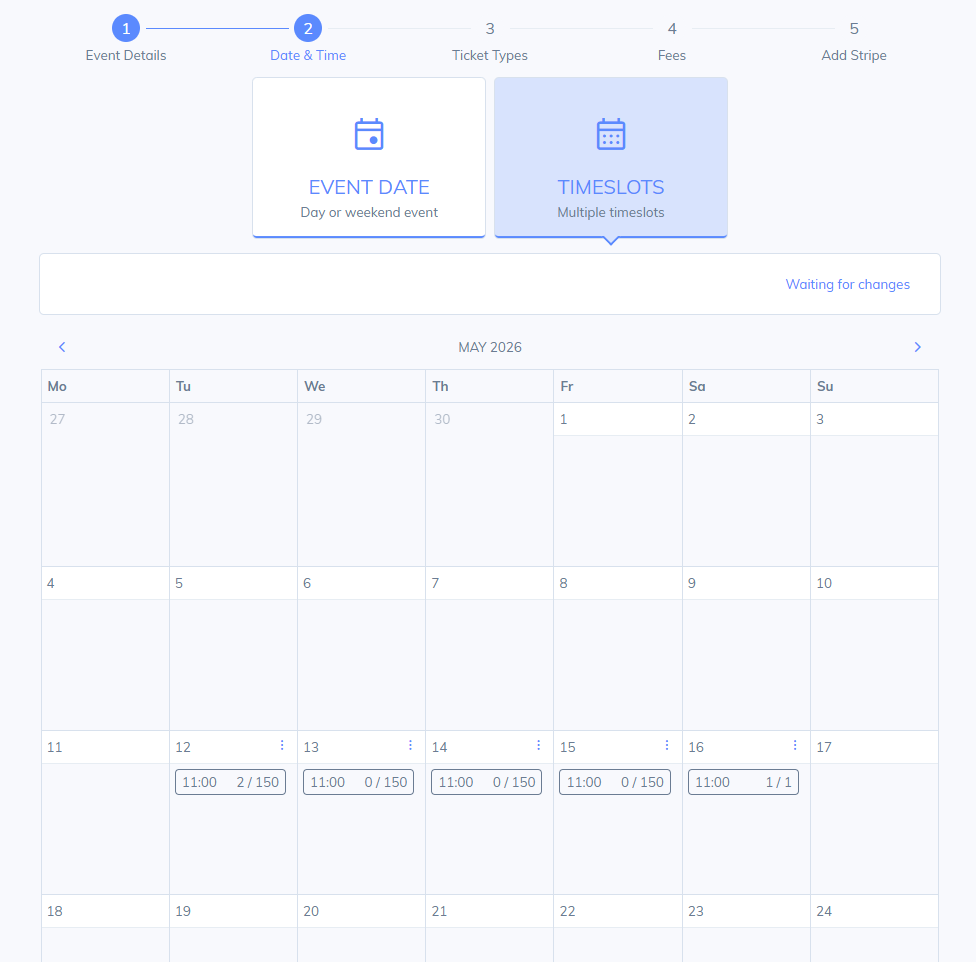
2. Date & Time
Choose either event Date or timeslots
Event Date
Enter an event start date
Optional selling start date
Optional Selling end date
Timeslots
Choose a day and enter a time and quantity
Repeat this process for each timeslot you require
You can copy and paste entire days for convenience
3. Ticket Types
4. Fees
Choose your fee structure (absorb, split or pass on)
Choose to enable XCover on your checkout
Choose to enable a donation option
5. Stripe
Connect to your Stripe account or choose an existing one in your team
Was this helpful?
Still need help? Share an idea