Change customers tickets
Upgrade or refund customers tickets
Last updated 8 months ago
Go to “Event Name” > Customers > Orders
Search for the customer by name or email
Click the customer then click Change Tickets
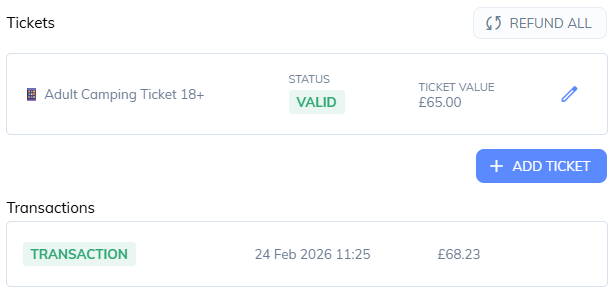
You’ll see a list of tickets and a list of transactions, as you add, edit and delete the customers tickets, the transactions will update with a refund or ready to send an additional charge to the customer
Refund All: (This will mark all tickets ready to refund) and offer to refund the fees.
Add Ticket: Choose a ticket to add to the order.
Edit: Edit the price for a ticket
Here is an example of refunding this ticket with fees included
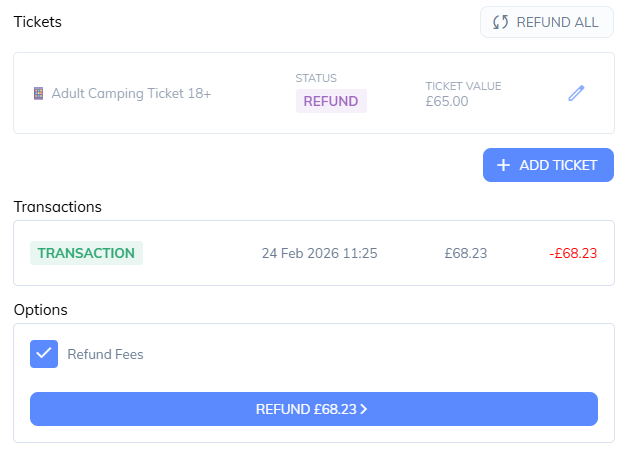
Click the refund button to confirm.
Was this helpful?
Still need help? Share an idea