Add content to the confirmation email
Choose content to add to customers confirmation email and allocate to specific tickets
Last updated 8 months ago
Go to “Event Name“ > Event Setup > Email Content
Click Create Message
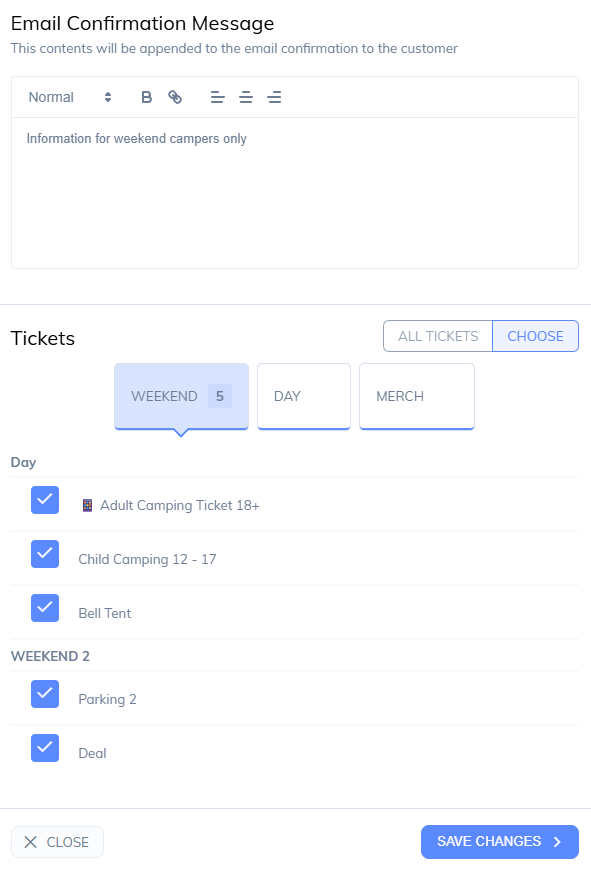
Enter the email contents
Choose All tickets or specific tickets for this content
Create multiple confirmation messages with separate ticket types, All messages will be combined and shown for the ticket types the customer has purchased.
Was this helpful?
Still need help? Share an idea