Add Mailchimp Integration
Last updated 8 months ago
Go to “Event Name” > Integrations > Manage
1. Setup Account
Add Integration
Choose Mailchimp
Click Mailchimp again to open the settings
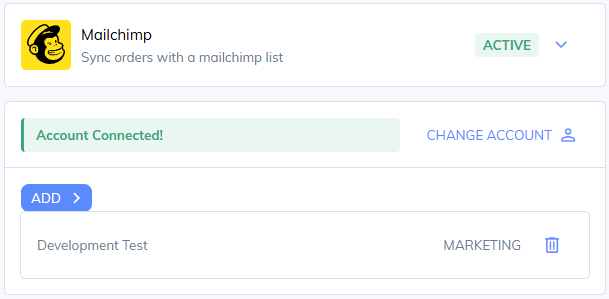
Click connect to Mailchimp and login to your account
2. Add Sync
Click Add
Choose Transactional (All buyers) or Marketing (checkbox optin)
Choose your Mailchimp list
Click Add to confirmation the integration
You can create multiple list syncs for the same event.
If you setup a Marketing type, we’ll provide a checkbox on the checkout and only capture customers that optin
Was this helpful?
Still need help? Share an idea